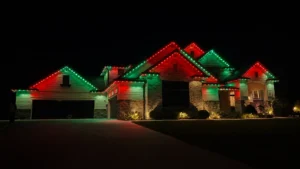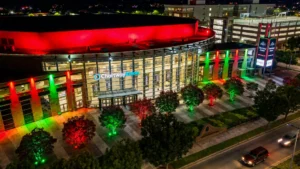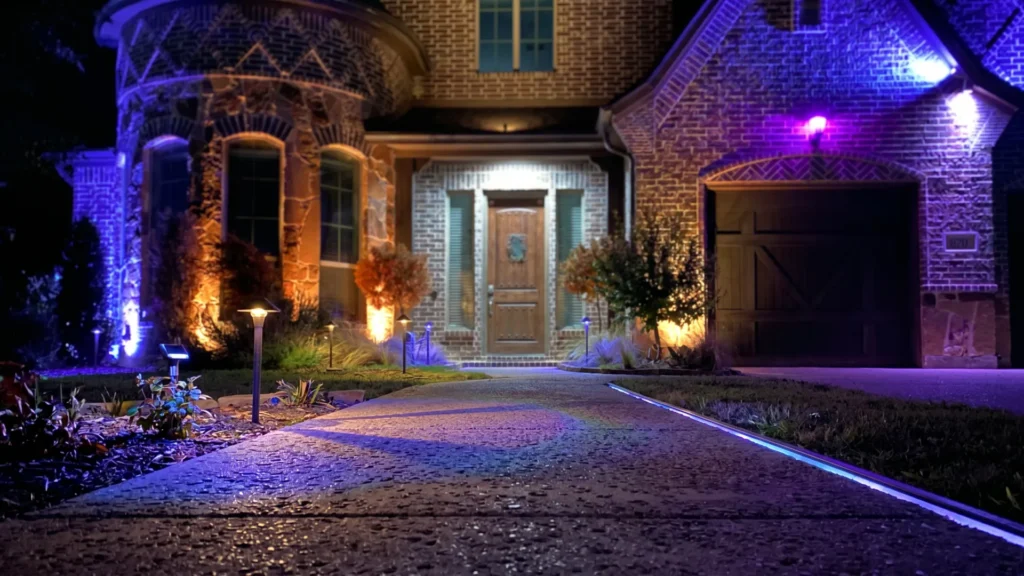
The BlueHopper app lets you control the colors, brightness, effects, presets, and scenes of your permanent Halloween lights directly from your phone. The outdoor lighting stays installed while you change how it looks, making it easy to move from everyday lighting to a Halloween display or create a different Halloween atmosphere whenever you want.
Halloween Colors From Your Phone
Your Halloween color scheme can change without touching the lights themselves. Use the BlueHopper app to select from more than 16 million RGBW colors, adjust individual color channels, and fine-tune the shade you want for your display. A classic orange-and-purple combination can become a darker custom palette or a brighter Halloween look in just a few adjustments.
Adjust Halloween Brightness
The same Halloween colors can create a different atmosphere simply by changing their brightness. Lower levels can give your home a softer seasonal glow, while brighter settings can make rooflines and other exterior features stand out more clearly. Brightness controls in the app let you adjust that intensity without changing the color theme or physical installation.
Change Halloween Effects
Static colors are only one way to use your Halloween lighting. The app also gives you access to dynamic effects and motion patterns, including fades, chase sequences, sparkle effects, and other animated behaviors that can add movement to the display. You can switch between calmer lighting and more active Halloween effects while using the same permanent LEDs.
Save Halloween Scenes
A Halloween look can be saved as a scene so you do not have to rebuild the same combination every time you want to use it. Scenes bring selected colors and lighting behavior together into a repeatable look, while built-in presets give you quick options when you want to change the appearance without starting from scratch.
Switch Halloween Looks Quickly
One Halloween evening does not have to look like the next. The BlueHopper app lets you move between saved scenes, presets, colors, and effects without making any changes to the installed system. A quieter look early in the evening can become a more animated display later, while the same permanent lighting remains in place.
Control Halloween Lighting Anywhere
Your permanent Halloween lights do not have to be adjusted from a controller mounted outside your home. BlueHopper gives you app-based access to the lighting from your phone, allowing you to change colors, brightness, scenes, and other settings without physically interacting with the fixtures. The lighting stays permanent; the app changes how that system behaves for Halloween.