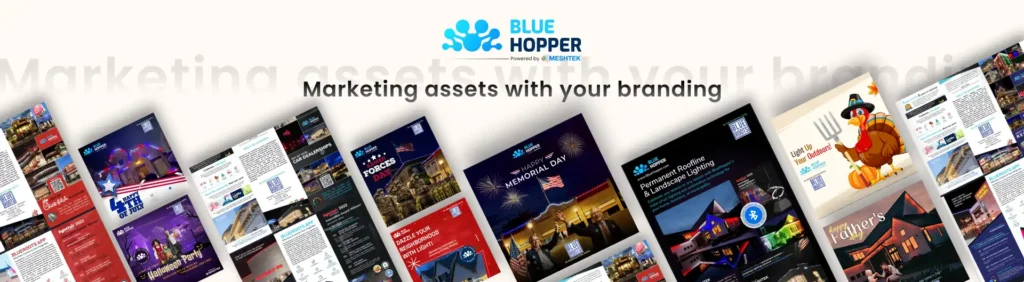
BlueHopper is excited to announce the launch of marketing assets that are automatically updated with the installers’ and BlueHopper’s logo, a revolutionary system that simplifies and enhances marketing collaborations between brands. This innovation ensures that co-branded materials—such as brochures, social media posts, and trifold documents—are always updated with the latest branding elements from both companies, eliminating the need for manual adjustments.
Effortless Setup and Access:
Getting started with Automatic Co-Branded Assets Updates is simple:
- Complete Installer’s Profile – Installers are required to log into the BR Installer app, navigate to “My Profile” > “My Account,” and select “Edit Installer Details” to fill out the required form.
- Wait for Processing – Once submitted, the system takes 24 hours to update the details and generate customized marketing assets.
- Download and Share Your Co-Branded Assets – After the update, installers can go to “Resources” > “Marketing Assets” and select “Marketing Assets with Your Branding.” They’ll find three ready-to-use assets:
- Brochure – Installers can instantly download or share a professionally designed PDF with their logo embedded.
- Social Media Post – They can now easily access and distribute posts featuring their branding.
- Trifold – Installers can get a polished trifold document with their logo and details seamlessly integrated.

With this automated system, installers can now access up-to-date, high-quality marketing materials with minimal effort, enhancing their brand presence and professionalism.