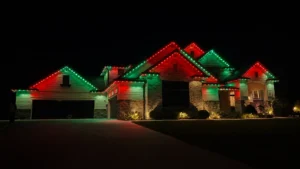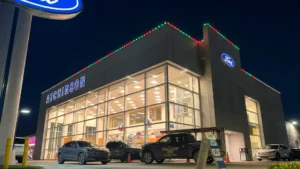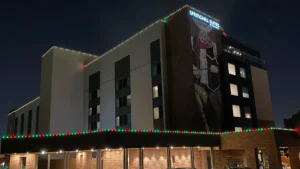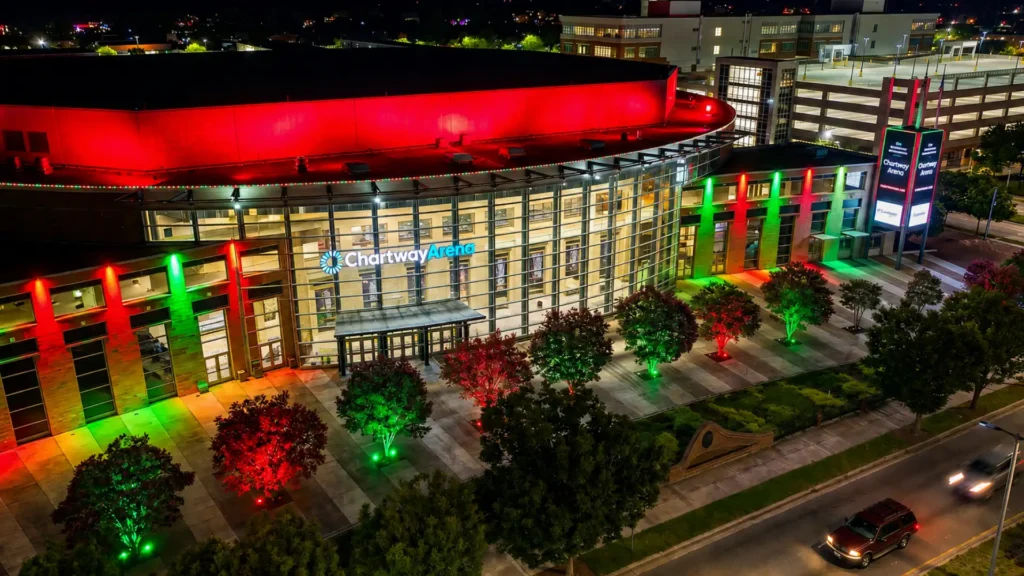
Through the BlueHopper app, our permanent Christmas lights can be managed from one interface to activate saved displays, control selected lighting areas, and change how the installed system behaves without physically accessing the fixtures. Local Bluetooth control and optional internet connectivity extend that access whether you are at the property or managing supported lighting remotely.
Keep Your Christmas Lighting in One App
The BlueHopper app provides one control point for the permanent Christmas lighting connected around your property. Instead of operating different areas through separate physical controls, the installed lighting can be organized and managed from the same interface on a compatible phone or tablet.
Activate Saved Christmas Displays
Saved scenes bring a prepared Christmas display back without rebuilding its individual settings each time. Our app keeps these reusable looks available so a selected holiday presentation can return whenever you want to use it during the Christmas season.
Control Christmas Lighting Areas Separately
Lighting zones let different parts of the property receive separate commands while remaining within the same BlueHopper system. A roofline, landscape area, fence, patio, or other connected zone can be selected independently or operated together with the wider Christmas display.
Control the Lights On-Site With Bluetooth
Bluetooth gives the BlueHopper app local access to the installed lighting while you are at the property. This lets you operate the Christmas system from your device without climbing to the fixtures or making physical adjustments to the installation.
Manage Christmas Lights From Away
Optional internet connectivity extends supported BlueHopper controls beyond the property when remote access is needed. With the appropriate gateway and setup, the Christmas lighting system can be managed through the same control platform without someone being physically present at the installation.
Give More Than One User Access
Multi-user control allows more than one authorized person to manage the same permanent lighting system. This gives households or other property users shared access to Christmas scenes, lighting areas, and system controls without requiring separate physical controllers for each person.
Use Compatible Phones and Tablets
The BlueHopper app supports compatible iOS and Android devices, keeping Christmas lighting control available across common mobile platforms. Authorized users can manage the same installed system from supported devices while the physical lighting remains unchanged.
Change the Christmas Display Without Touching the Fixtures
Digital control separates the Christmas presentation from the permanent hardware mounted on the property. Saved scenes, lighting areas, local access, remote control, and user permissions can all be managed through the BlueHopper platform while the lights themselves remain fixed in place.