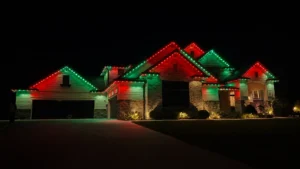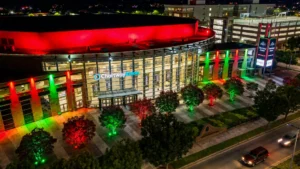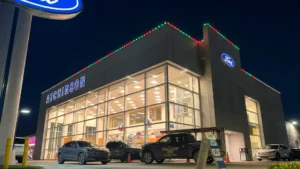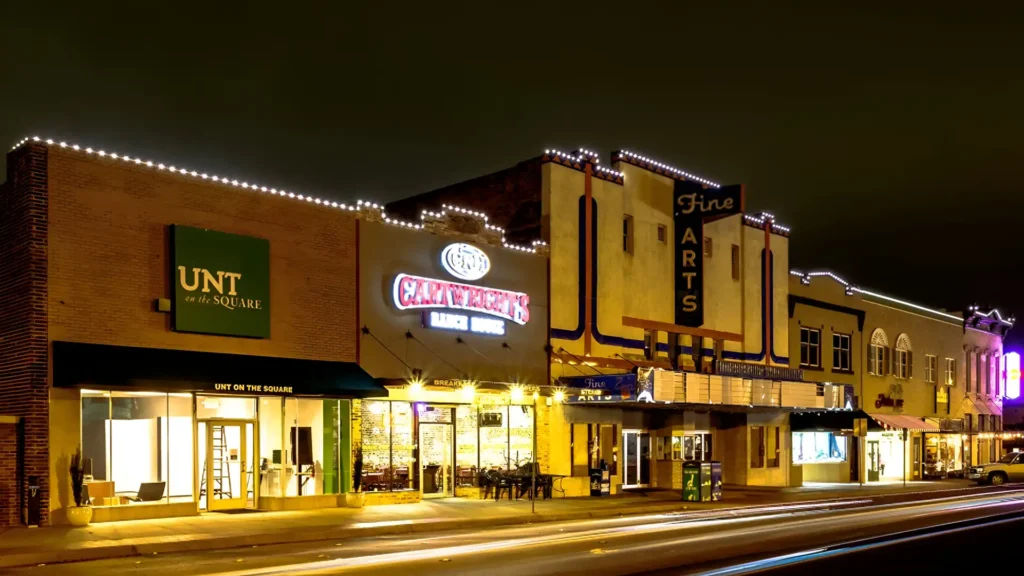
The BlueHopper app lets you create and change a Thanksgiving display by adjusting colors, white tones, brightness, scenes, effects, and lighting zones from one interface. These controls let the same permanent lights move between different holiday looks without changing fixtures, wiring, or the installed lighting system.
Choose the Colors for Your Thanksgiving Lights
Color controls let you build the Thanksgiving palette directly from more than 16 million RGBW color combinations instead of relying on a fixed preset. Our app provides controls for hue, saturation, individual red, green, blue, and white channels, so warm seasonal shades can be adjusted until the display matches the look you want.
Adjust White Light and Brightness
White-light tuning and brightness controls let different parts of the display feel softer, brighter, warmer, or more neutral without changing the fixtures. BlueHopper allows these settings to be adjusted independently, giving you more control over how strongly each lighting area contributes to the overall Thanksgiving appearance.
Save Thanksgiving Looks as Scenes
Scenes combine several lighting choices into one repeatable look so the same Thanksgiving display does not have to be rebuilt each time. A saved BlueHopper scene can bring selected colors, brightness levels, effects, and participating lights back together when you want to use that appearance again.
Add or Remove Motion With Lighting Effects
Effects determine whether the Thanksgiving display remains static or includes movement such as fades, waves, sparkles, or other patterns. Our system supports both static and dynamic behavior, so motion can be added when you want a more active display and removed when a simpler appearance fits the occasion better.
Give Different Areas Their Own Thanksgiving Look
Lighting zones let the roofline, entrance, landscape, fence, patio, and other compatible areas use different colors, scenes, or effects while remaining part of the same system. BlueHopper can also group selected fixtures together, allowing one area to change without forcing the entire property to use exactly the same appearance.
Change the Display Without Changing the Lights
The physical installation stays in place while the app changes how those lights behave for Thanksgiving. Colors, white tones, brightness, scenes, effects, and zones can all be adjusted through the same control layer, allowing one permanent system to produce a new holiday appearance without rebuilding the lighting setup.